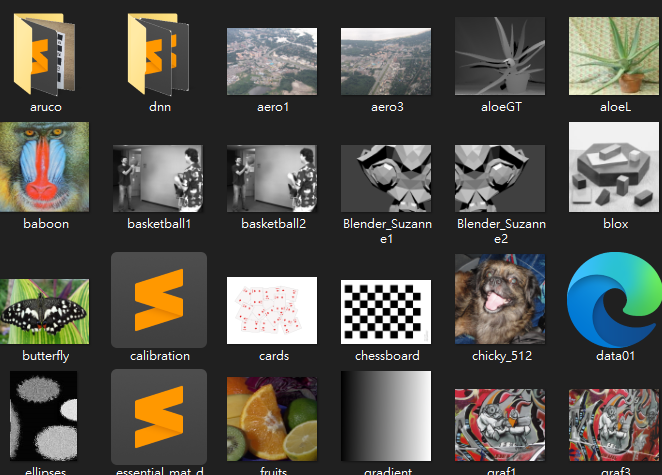
Download Specific Files from a GitHub Repository
Is it possible to download only specific files from a GitHub repository?
Yes!
On GitHub, you can download only certain folders or files from a public repository, but it requires a bit of technique since GitHub’s interface does not support direct partial downloads.
One of the simplest methods is to use the online tool DownGit.link
- Open DownGit.
- Enter the URL of the folder you want to download, for example: https://github.com/opencv/opencv/tree/4.10.0/samples/data
- Click “Generate Download Link” and then download the generated link.
Demo
I want to download only the images from the opencv repository for my experiments.
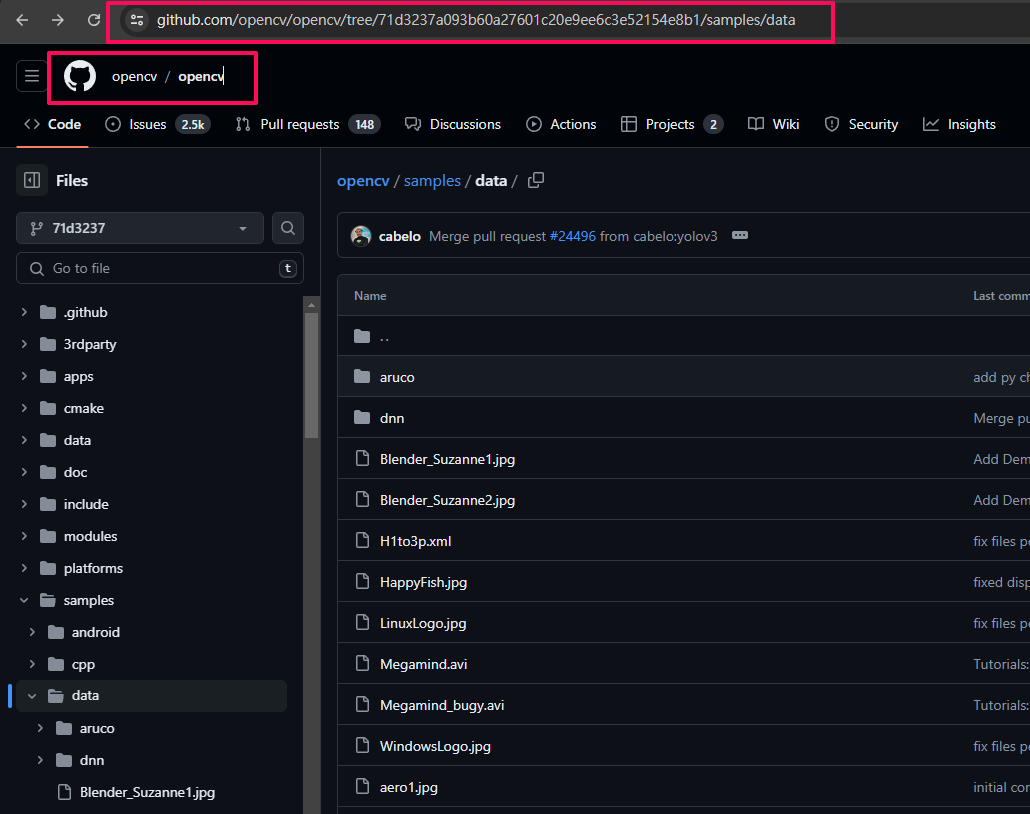
Copy link
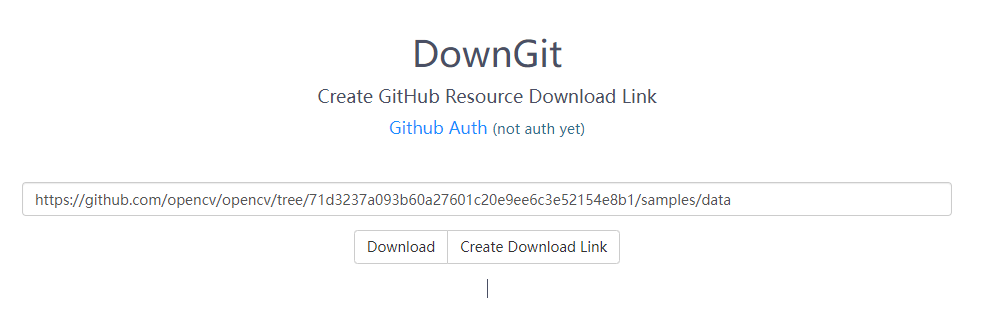
Download done!