Introduction to GitLab Operations?
Many people also use GitLab. So, what about an introduction to GitLab operations? Since GitLab is similar to GitHub, being a web-based platform built on Git, the operations and logic of uploading code are identical.
Therefore, understanding the logic of uploading code with Git is the most crucial part. We’ll cover that later!
Following the steps from the previous article, you already have a GitHub account and Sourcetree connected to GitHub. What’s next?
Of course, it’s sharing the repo with your partners for collaborative development.
How to Collaborate with Partners
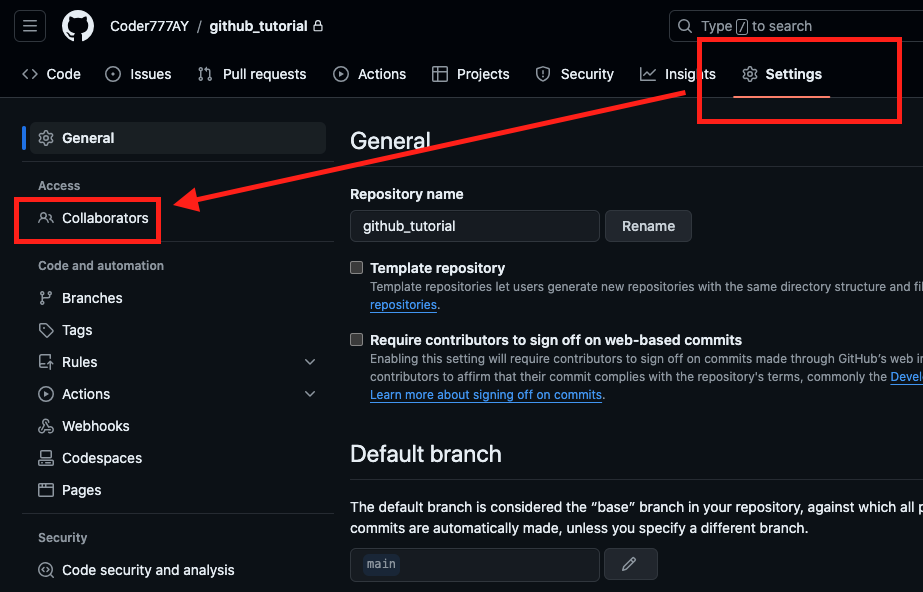
This part is straightforward. In your GitHub repo, go to Settings -> Collaborators.
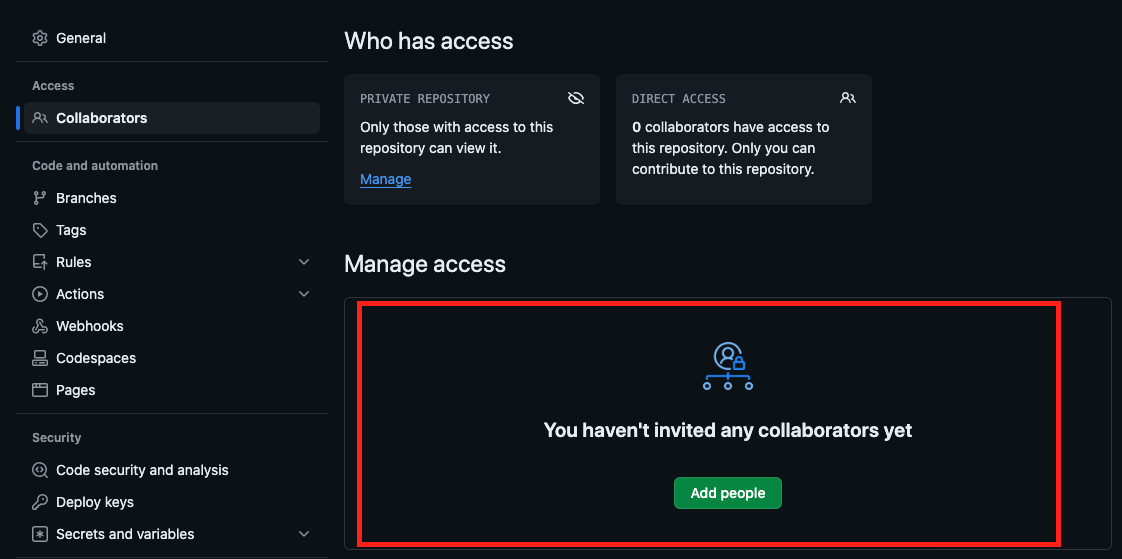
Clicking on it, you’ll see that you currently have no collaborators (how sad).
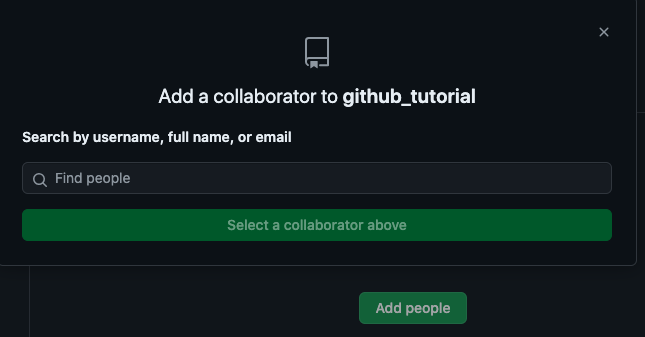
Click “Add people,” and you’ll be able to enter your partner’s information (if you have any).