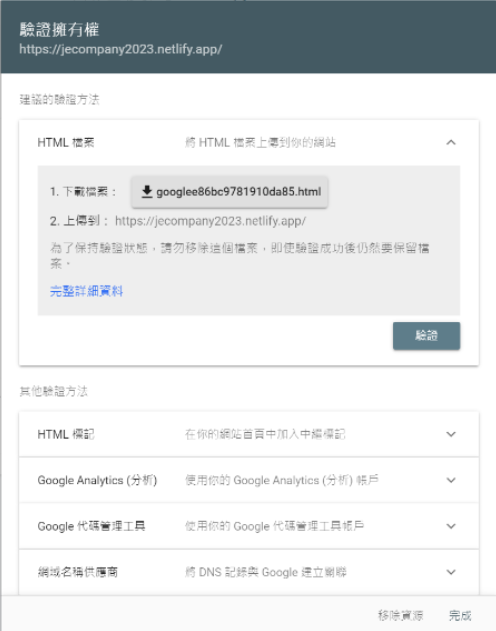
Submitting Sitemap Using Google Search Console
1.Go to the website https://search.google.com/search-console/welcome .
2.You’ll see two options: “Domain” and “URL prefix.” The “Domain” option integrates all URLs (http or https) together, making it convenient, but setting up DNS can be more challenging. Therefore, we’ll use the “URL prefix” option. 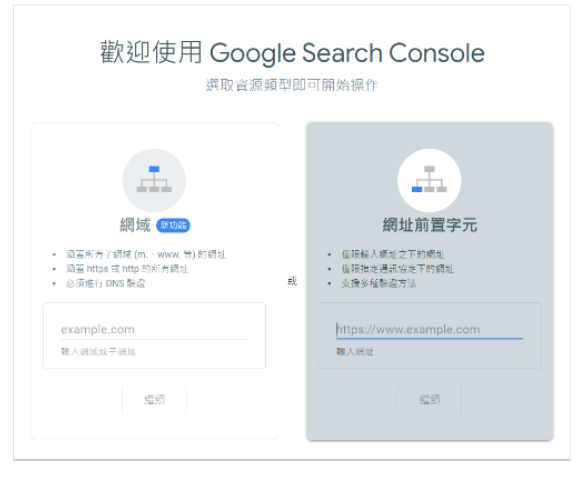 3.Enter the URL.
  4.Choose to use Google Analytics for verification. The prerequisite is that you must have a Google account associated with Google Analytics for this URL and complete the GA verification.
 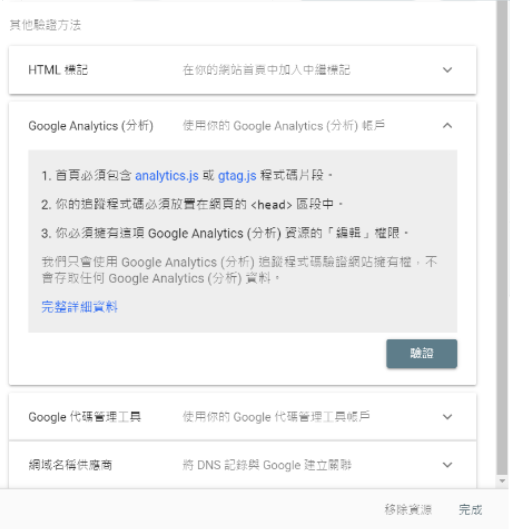 5.Proceed with the verification process.